

Codex CLI
Open-source terminal-based AI coding assistant that reads, writes, and executes code locally with multimodal input support.
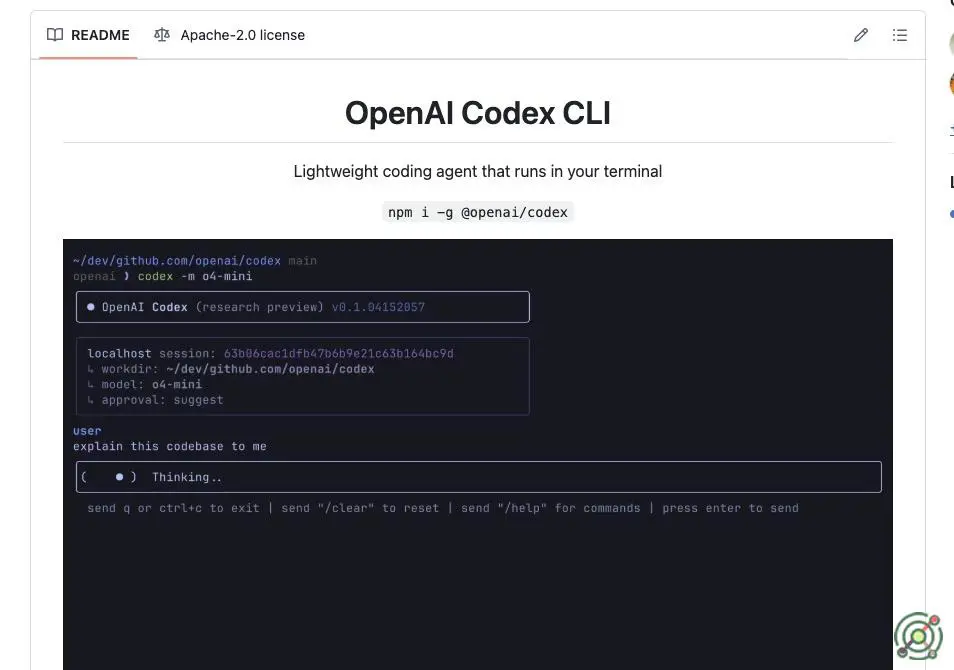
Codex CLI
Open-source terminal-based AI coding assistant that reads, writes, and executes code locally with multimodal input support.

YouTube Video: Codex CLI
Open-source terminal-based AI coding assistant that reads, writes, and executes code locally with multimodal input support.
Codex CLI
SKU: codex-cli
Codex CLI is an open-source, terminal-native AI coding assistant developed by OpenAI. Designed for developers who prefer working directly in the terminal, it integrates OpenAI's latest models (like o4-mini) to perform tasks such as reading, modifying, and executing code within a local environment. Codex CLI supports multimodal inputs, allowing users to pass text, screenshots, or diagrams to generate or edit code accordingly. It offers three distinct approval modes—Suggest, Auto Edit, and Full Auto—providing flexibility in how autonomous the agent operates. The tool emphasizes security by running in a sandboxed, network-disabled environment and ensures that your source code remains on your machine unless explicitly shared. With zero-setup installation and compatibility with macOS, Linux, and experimental support for Windows via WSL, Codex CLI aims to streamline the development workflow by bringing powerful AI capabilities directly to the command line.
terminal-based
open-source
AI coding assistant
multimodal input
sandboxed execution
local development
OpenAI models
developer tools
Developers seeking a terminal-based AI assistant for coding tasks.
Automating code refactoring and debugging within a local environment.
Executing shell commands and managing files securely through AI.
Enhancing development workflows with multimodal input support.
Codex CLI offers tiered autonomy through three approval modes. In Suggest mode (low autonomy), it requires manual approval for all file edits and shell commands. Auto Edit mode (medium autonomy) autonomously writes files but requires command approvals. Full Auto mode (high autonomy) executes code and commands in a sandboxed environment without intervention, though limited by network restrictions and directory scope. The 70/100 rating reflects its capacity for autonomous task execution in controlled environments while maintaining safety safeguards.
Open Source
Contact